
AI 3D Model Generator, Made Simple
Turn a photo or drawing into a textured 3D model. Preview it in your browser and choose a format to download.
See What Your Images Can Become
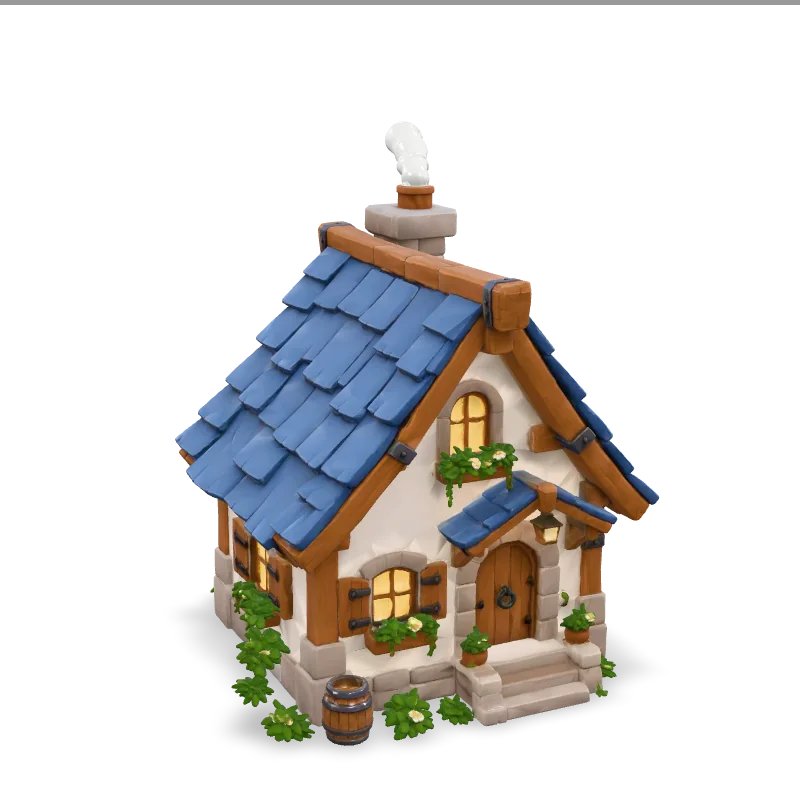
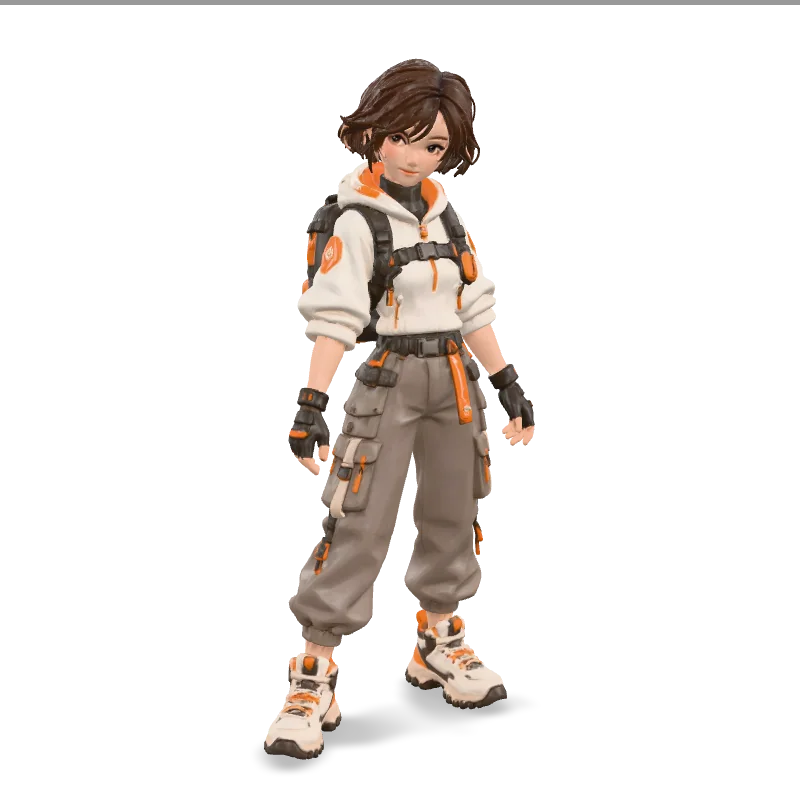
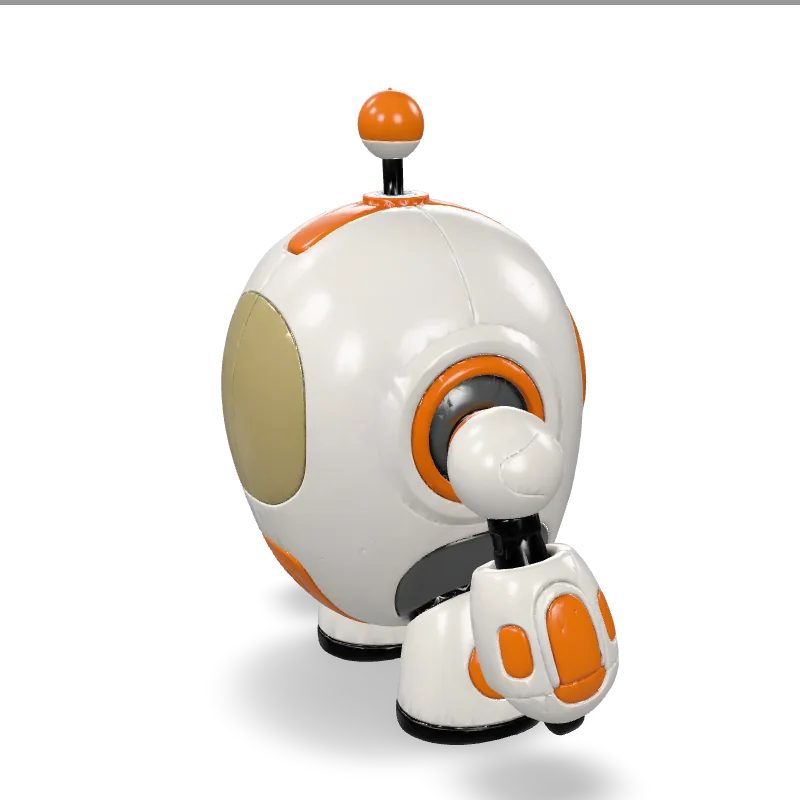
What you can create
Product Concepts
Turn product photos into 3D concepts you can explore, share, and develop further.
Photo to 3DGame Props
Bring objects, props, and creative ideas into 3D. A useful starting point for your next game project.
Image to 3DSketches & Ideas
Give your drawings a new dimension. Explore shapes and ideas beyond the page.
Sketch to 3DFrom image to 3D in three clear steps
Upload an image
Choose a photo, drawing, or sketch with one clear subject.
Generate your model
Use the free Basic trial to turn your image into a 3D model.
Preview and download
Explore your model from different angles and download it in your preferred format.
Why Fino3D
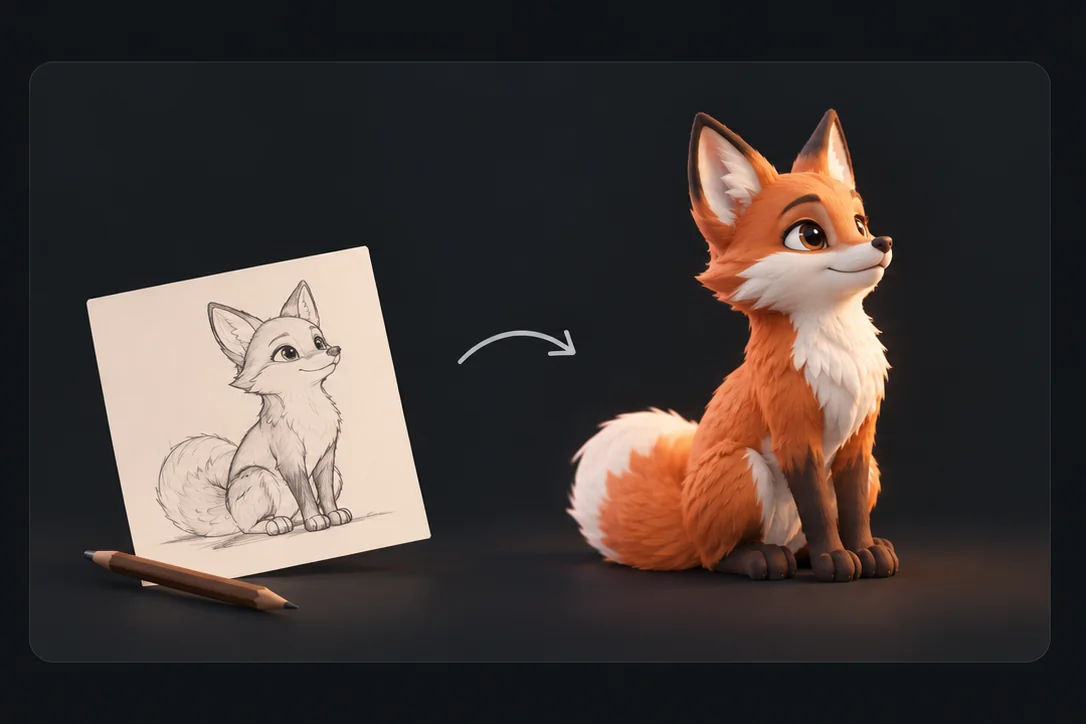
Start with an image, not a blank canvas.
Turn a photo or sketch into a 3D starting point without modeling everything from scratch. Spend more time exploring your ideas.
Try ideas without the heavy lifting.
Basic is designed for quick experiments; Quality aims for more detail. The free trial includes Basic only.
View pricingMake it part of your workflow.
Preview your model in 3D, then choose a download format to keep creating in your favorite compatible tools.
What is an AI 3D model generator?
An AI 3D model generator creates a 3D model from an image using artificial intelligence. Fino3D turns photos, product images, and sketches into textured models you can explore and download.
AI estimates the shape and surfaces that aren't visible in the original image, so each result is an interpretation rather than an exact 3D scan.
Learn about Image to 3D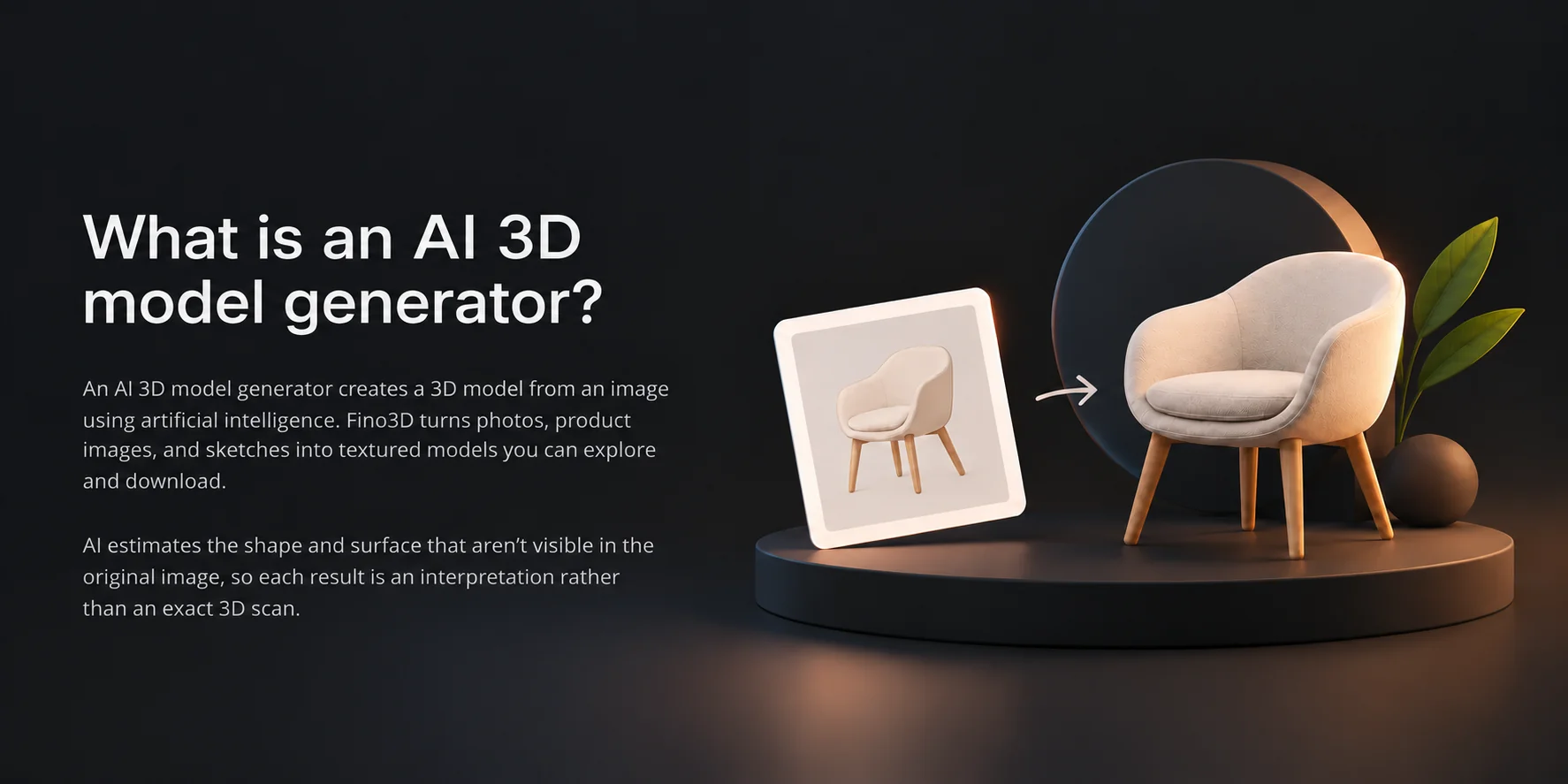
Common questions
Fino3D turns photos, drawings, and sketches into textured 3D models using AI. Upload an image to start with the free Basic trial, then preview your model and choose a download format.
Basic is great for quick ideas and early drafts. Quality aims for more detail and refined results. Both create downloadable 3D models from a single image. The free trial includes Basic only.
Clear images with one main subject and a simple background usually work best. Photos, illustrations, and sketches are all welcome. Very fine details or overlapping objects can be tricky for AI.
It depends on the image, the mode you choose, and how busy the service is. You can follow the progress while your model is being generated.
Upload a JPG or PNG. Download the original GLB, or choose GLTF, FBX, OBJ/MTL, or STL from the download menu. GLTF and OBJ include their supporting files in a ZIP. STL contains geometry only.
Yes. Models created with Basic or Quality, including free trials, can be used commercially, subject to provider terms, applicable laws, and third-party rights. Just make sure you have permission to use your source image.
Yes. Your images and models are private by default and won't appear in a public gallery. Files are available for 30 days from task creation, and you can delete them sooner. Our AI providers process your images to generate models. Learn more in our Privacy Policy.
Not at all. You can generate and preview 3D models right in your browser, with no extra software or modeling experience needed. To edit your model in another 3D app, choose a download format that app supports.